Scalability

Synchronized architectures

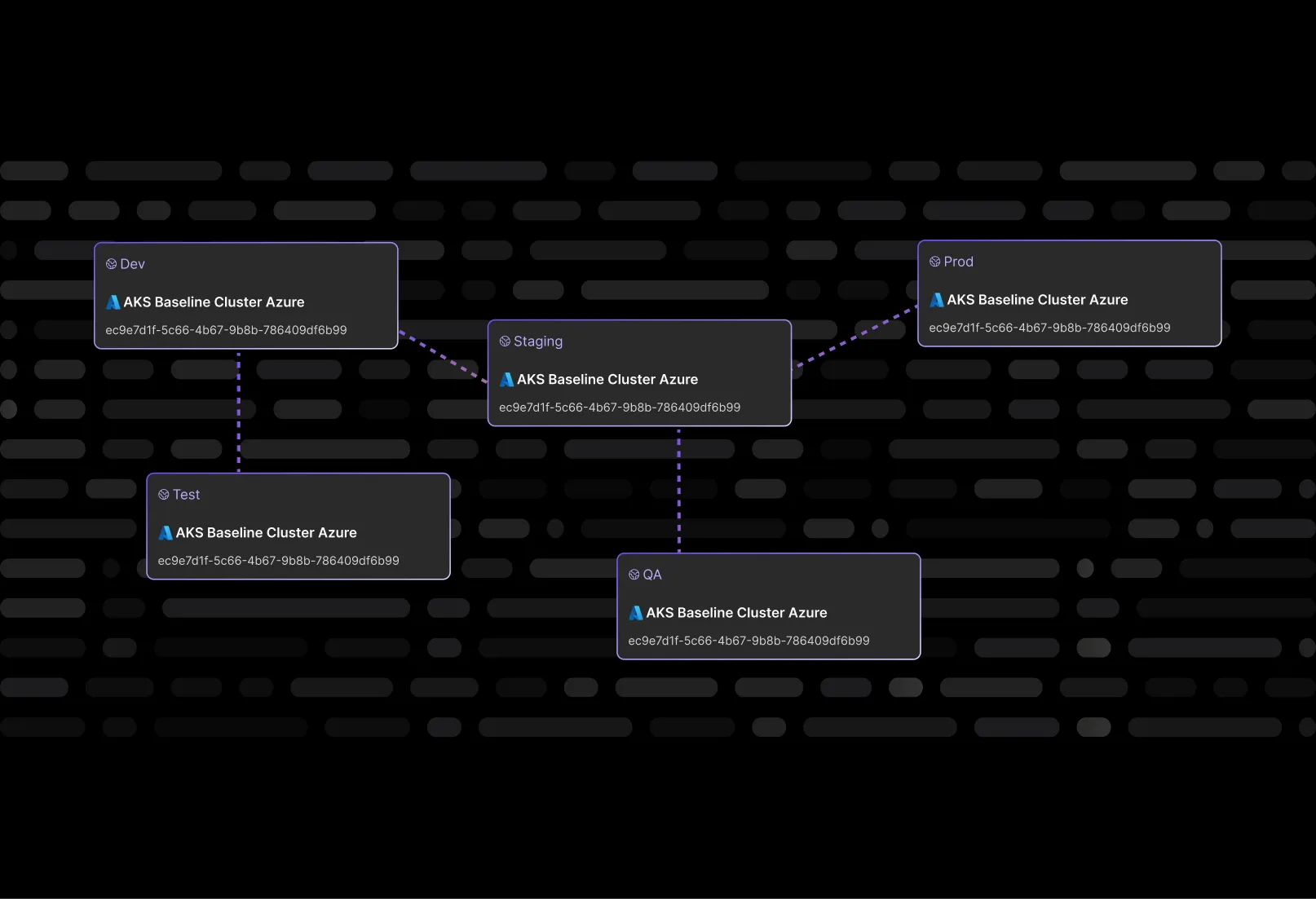
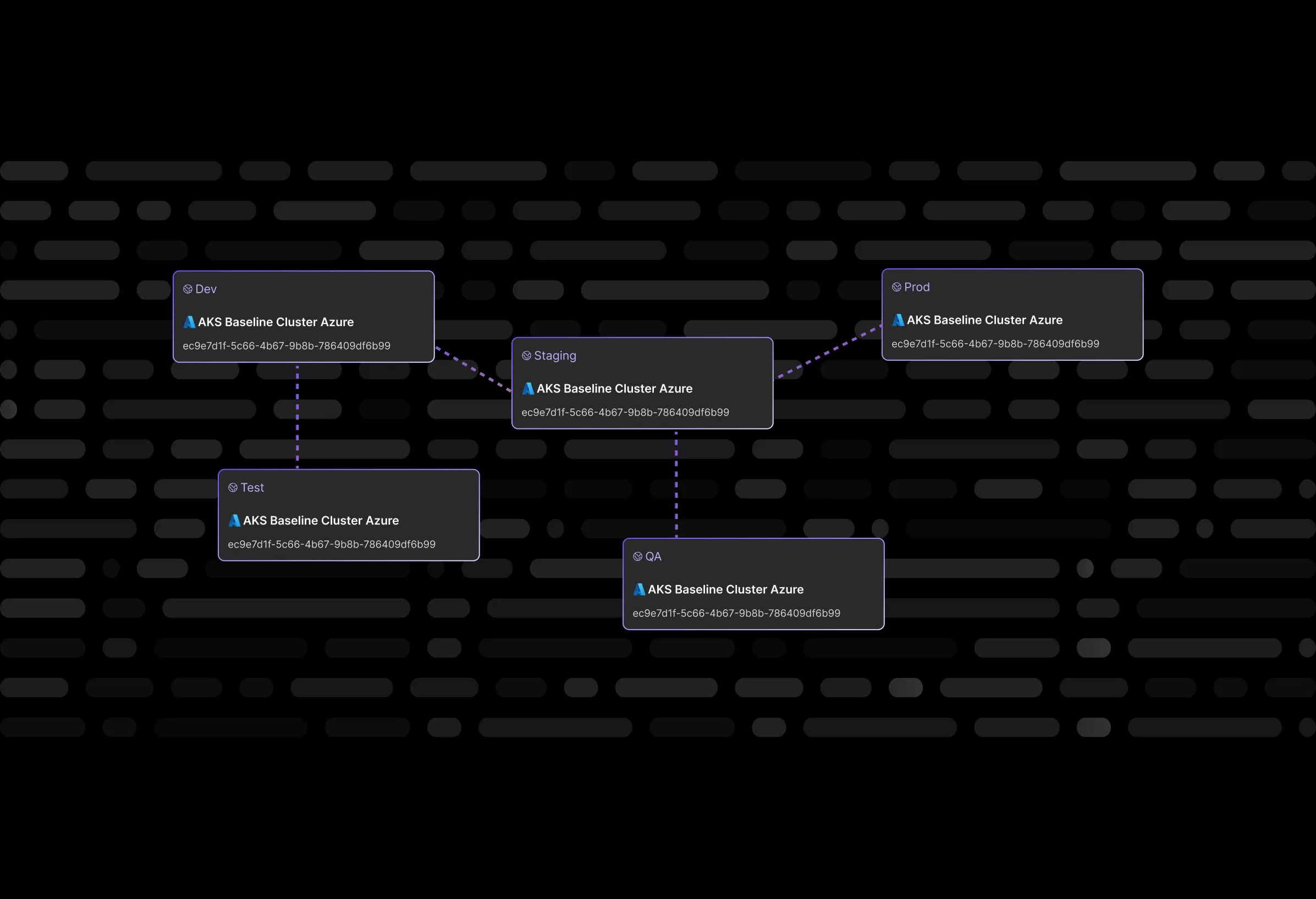
Eliminate drift between your environments (dev, QA, staging, prod…)
a screenshot of a module being dragged to a containera screenshot of a terraform module being dragged into a container

Keep your environments and team DRY (Don’t Repeat Yourself)

Automatically propagate architecture changes across environments.

Build it only once

Replicate your architecture into other environments with just one click.
a screenshot of a modal with a list of terraform modules to import

Isolated environments

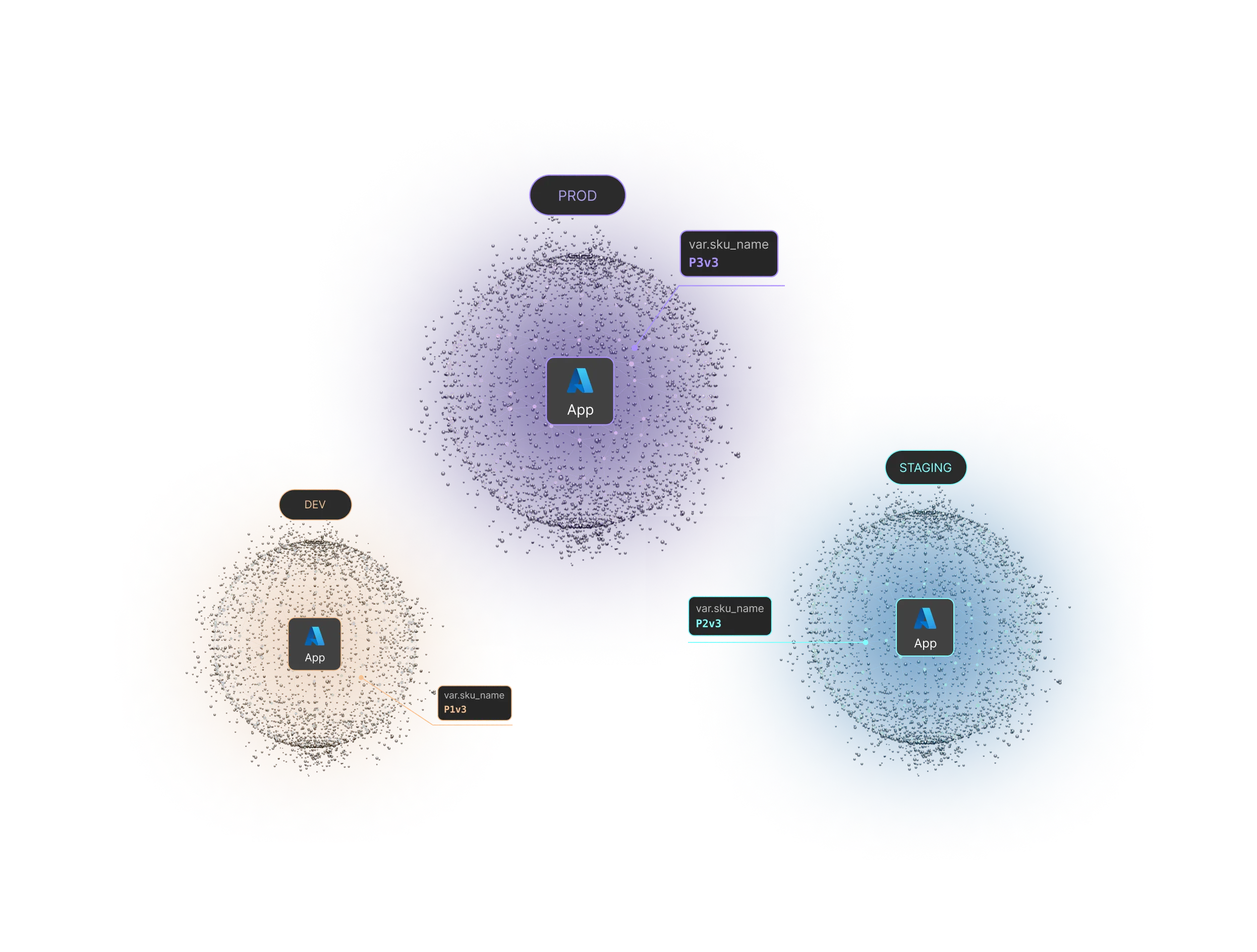
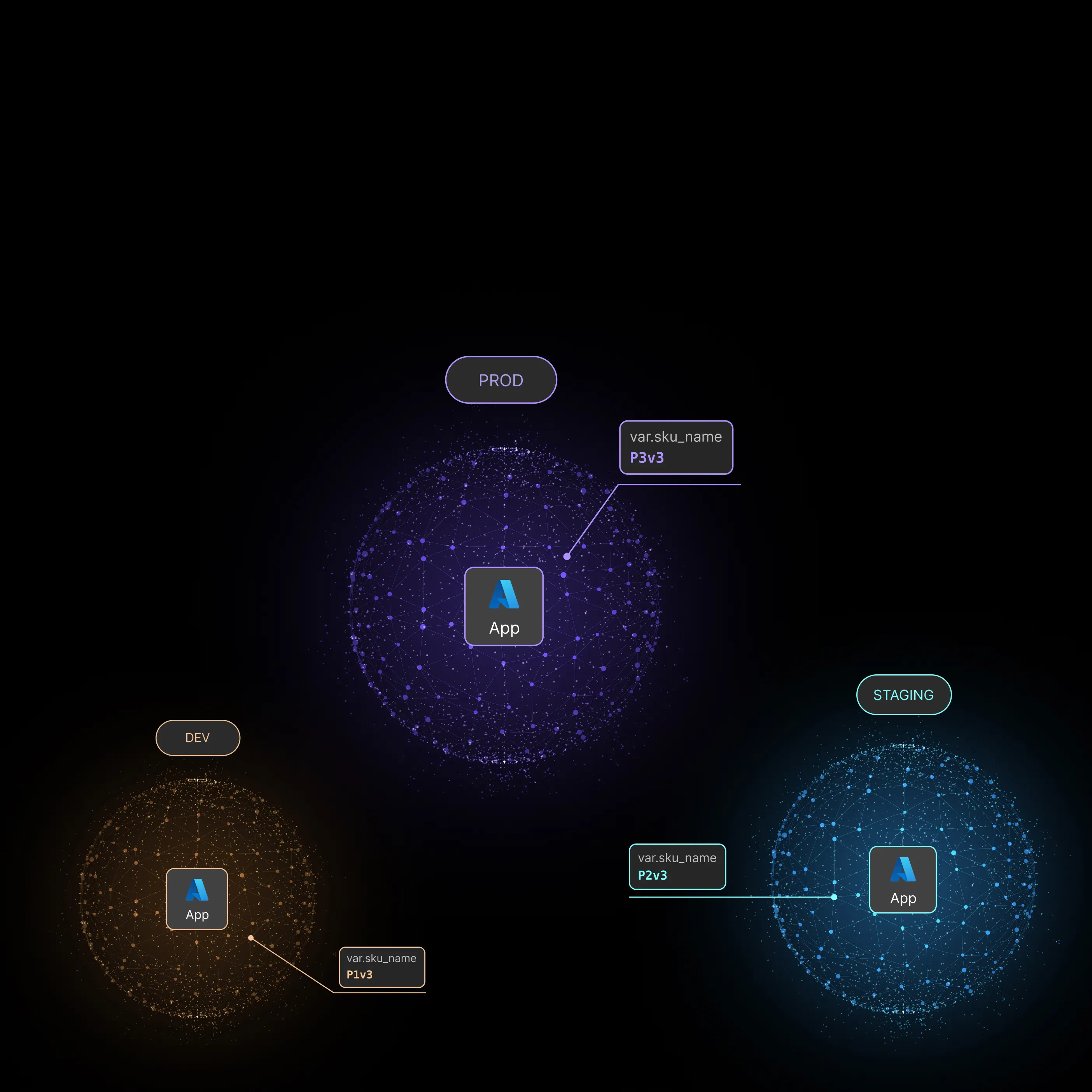
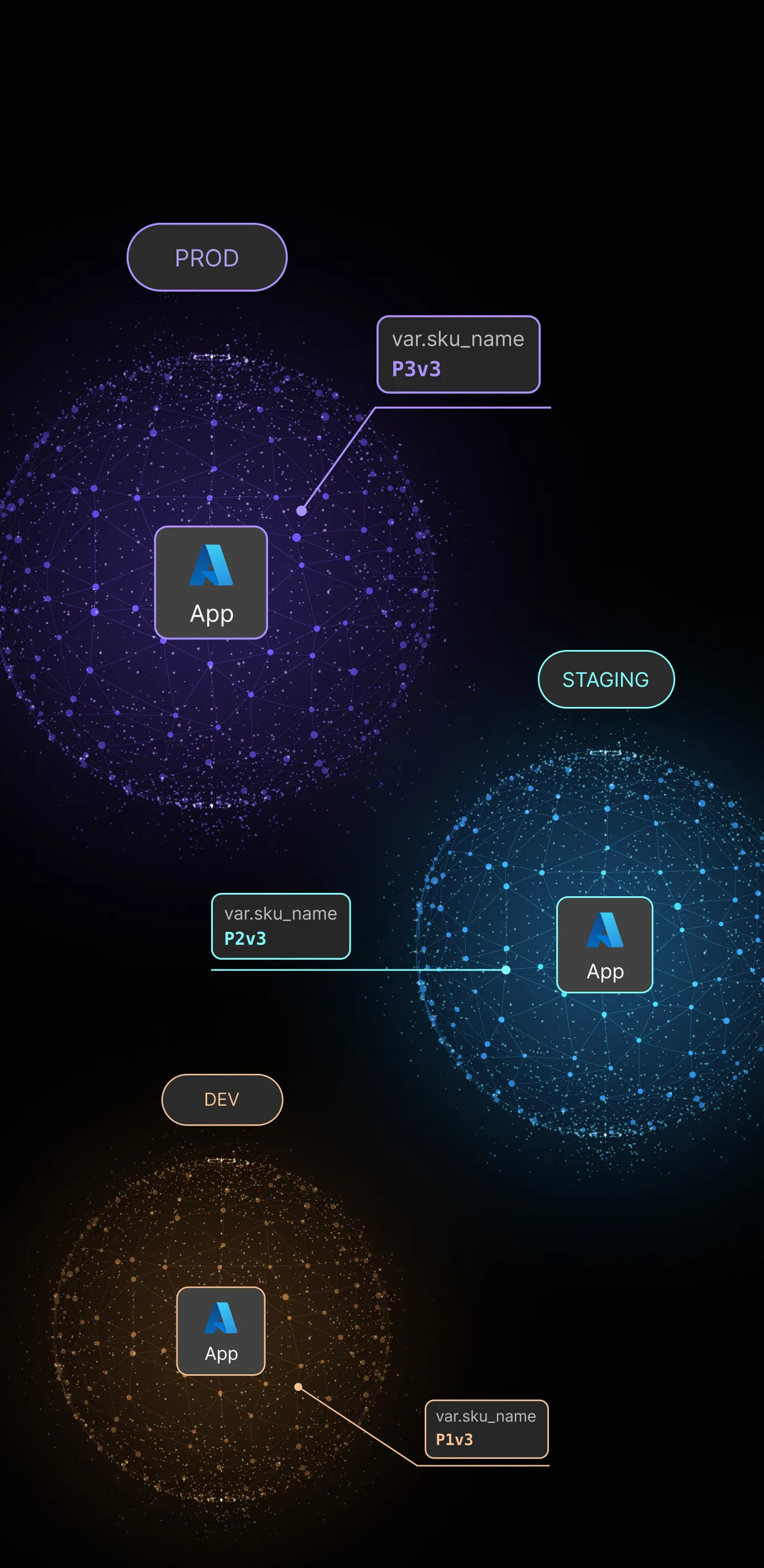
Three interconnected network spheres labeled DEV, PROD, and STAGING, each with an Azure App icon in the center and SKU names P1v3, P3v3, and P2v3 respectively.a screenshot of a modal with Terraform module configurations

Don’t repeat yourself

Every change made to one architecture is  propagated to all replicas

Independent deployment lifecycle

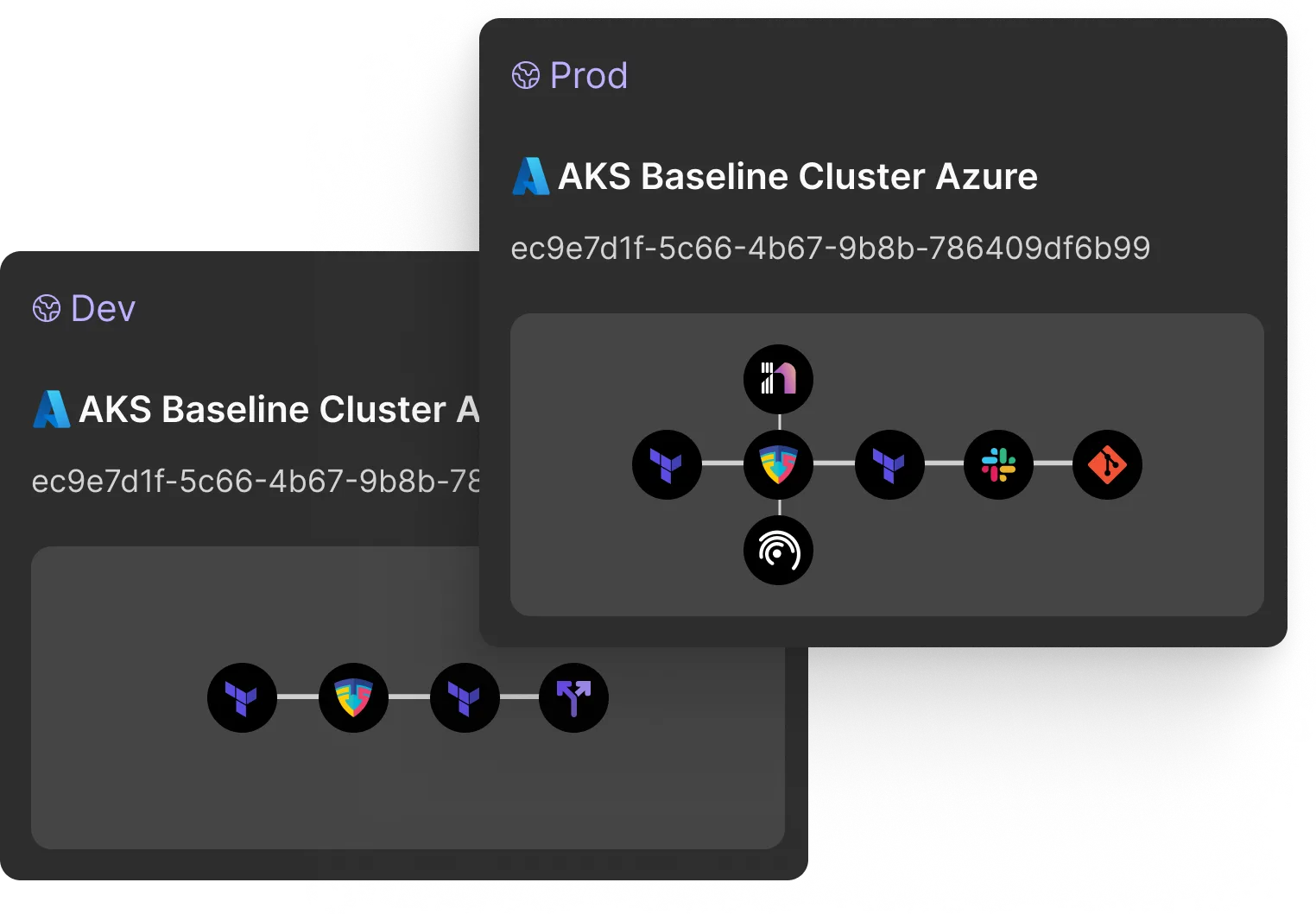
cloud infrastructure designerTwo dark-themed cards labeled Dev and Prod showing AKS Baseline Cluster Azure with unique IDs and connected service icons representing infrastructure and tools like Terraform, Flux, Slack, and Git.
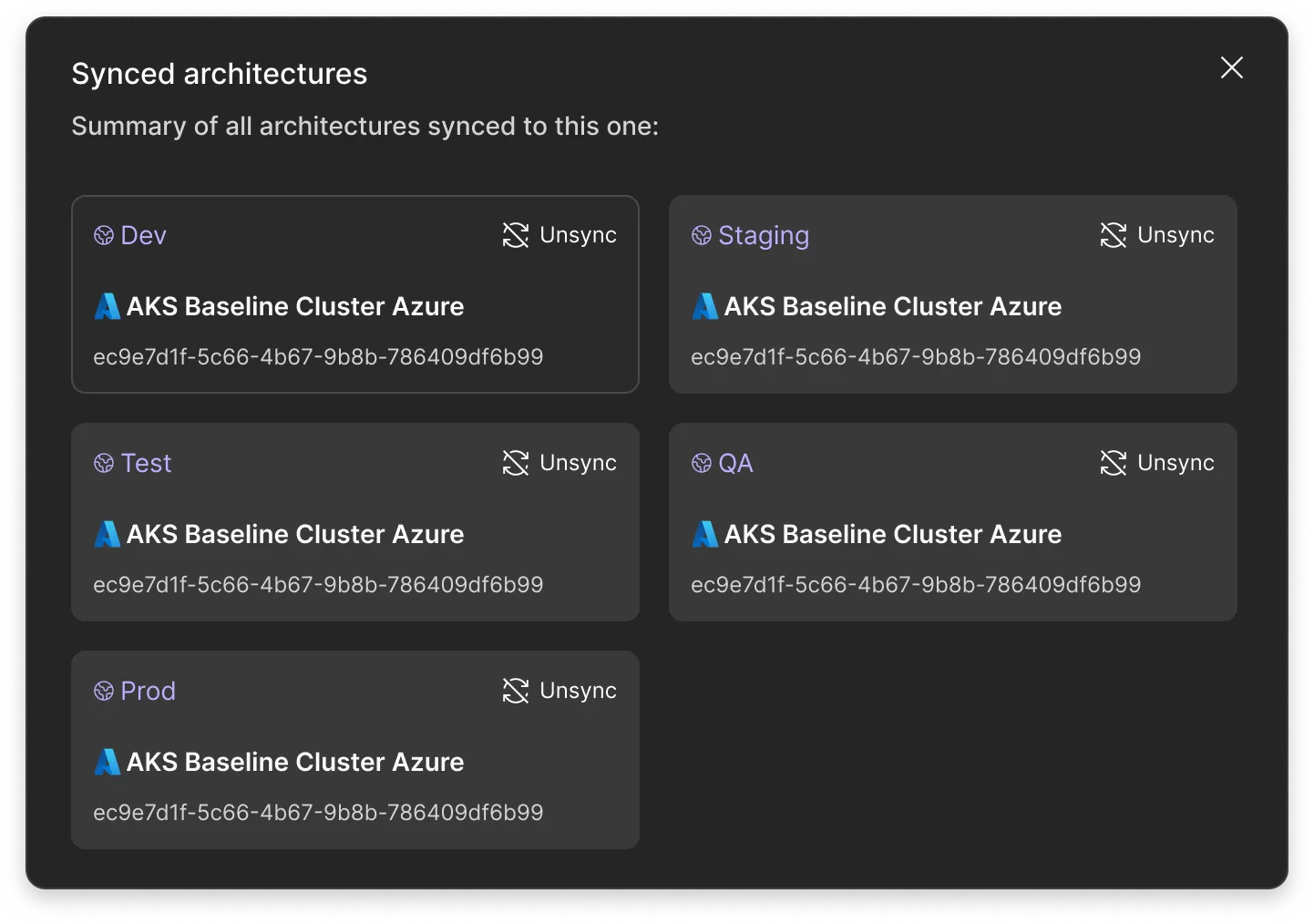
Interface showing synced architectures summary with Dev, Staging, Test, QA, and Prod environments all linked to AKS Baseline Cluster Azure.

Build it only once

The architecture sync functionality allows you to replicate your architecture into other environments with just one click.

It completely eliminates manual tasks previously needed to deploy the same architecture into multiple environments through the manipulation of the terraform.tfvars file.

User interface showing synced architectures with entries for Dev, Staging, Test, QA, and Prod, all linked to AKS Baseline Cluster Azure with unique IDs and an option to unsync.

Independent deployment lifecycle

By isolating environments and architectures from each other, it gives you at the same time maximum security and full freedom to target specific environments for deployments.

It’s a powerful way to bridge the gap between keeping environments identical and the specificities that every environment requires.

terraform as diagram

Don’t repeat yourself

Every single change made to one architecture is automatically propagated to all replicas without any manual task and in real time.

This is a great feature that removes drift entirely between your environments (dev, QA, staging, prod…).

It is the best option for disaster recovery strategy.

Visual diagram showing three interconnected spheres labeled DEV, PROD, and STAGING, each containing an Azure App icon with SKU names P1v3, P3v3, and P2v3 respectively.

Isolated environments

Even though the same cloud architecture is replicated across all environments, each one of them is completely isolated from the others by:

- Its own values of the variables.
- Terraform tfstate file.
- Git configuration and branching.
- Cloud providers credentials.Execution runners.

Diagram showing three interconnected spheres labeled DEV, PROD, and STAGING, each containing an Azure App icon and corresponding var.sku_name values P1v3, P3v3, and P2v3.Comparison of Dev and Prod AKS Baseline Cluster Azure workflows showing sequence of icons for tools including Terraform, Flux, and integrations with Slack and Git.
UI showing synced architectures with environments Dev, Staging, Test, QA, and Prod each linked to AKS Baseline Cluster Azure with option to unsync.

It’s up to you now to build great things.